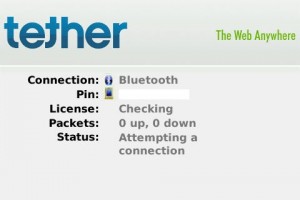
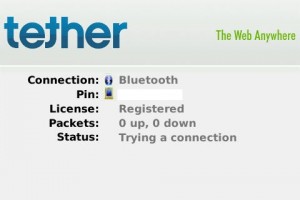
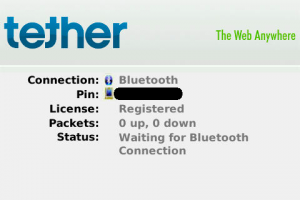
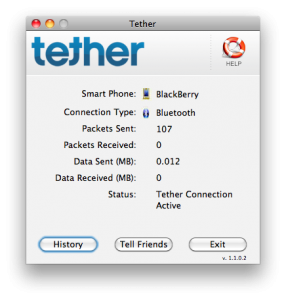
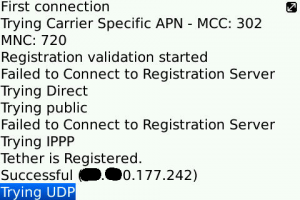
This is the configuration that worked for me. Please note that I was unable to get anything working when using the USB method.
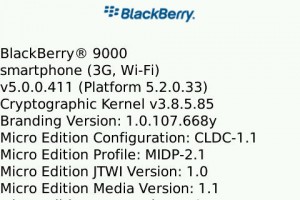
- BlackBerry Model: Bold 9000
- BlackBerry OS: 5.0
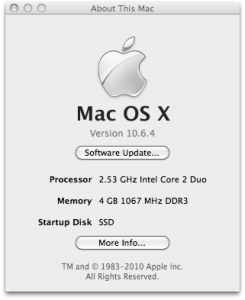
- Computer OS: Mac OS X 10.6.3 Snow Leopard
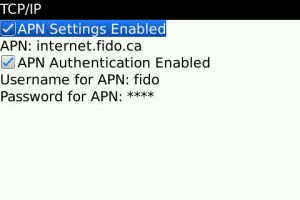
- APN Address: internet.fido.ca
- APN Username: fido
- APN Password: fido
- BlackBerry Desktop Manager: Uninstalled completely
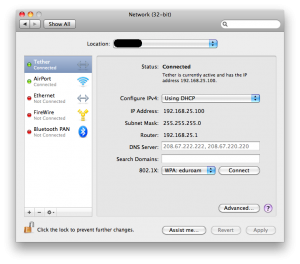
- Tether Method: Bluetooth
- Computer WiFi: Disabled
- Cell Phone Provider: Fido
- Country: Canada
Troubleshooting:
- If your BlackBerry “failed to find available port”, then your APN settings are definitely wrong. Go to Main Menu -> Settings -> Advanced Settings -> TCP/IP, and fill in the relevant details from the previous section of this article.
- If in doubt, double-check that your phone’s Bluetooth connection is turned on, your computer’s Bluetooth connection is on, and the two are paired correctly.
- If still in doubt, grant Tether all permissions on your BlackBerry. Go to Main Menu -> Settings -> Applications, find Tether in the list, edit its permissions, and allow everything in the “Connections” category.
Images: